Presentation Items
River Oaks Church - Updated January 2025
Inside of ProPresenter, there are Playlists for each service. Inside of the Playlist, there are Presentations, which are the songs that will be added to the Playlists. In the screenshot below, you will see some presentations that have a different icon, and don’t show a library that they are being connected from. This means that they are unlinked, and unable to be used.
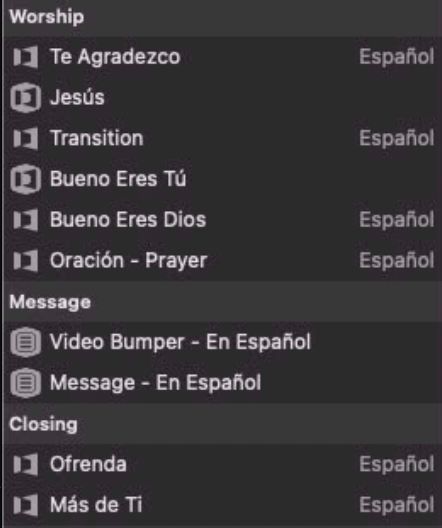
To fix this, click on the missing presentation and navigate to the right side of ProPresenter.

On the right side of the presentation in the “Show” view, you will see a search bar. Clicking this will show all of the possible Presentations that exist in any of the libraries of ProPresenter.
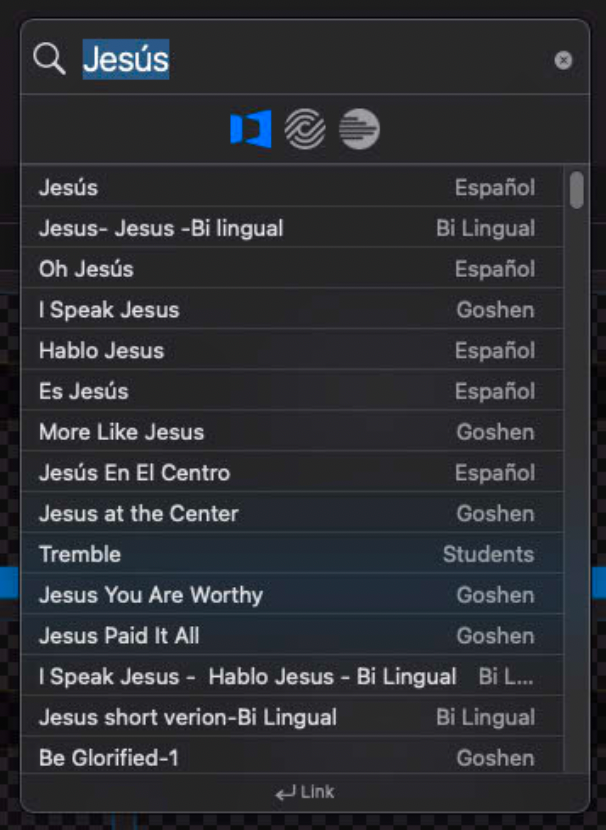
If you find one that you are looking for, you can select it, and click “Link” (pictured below).
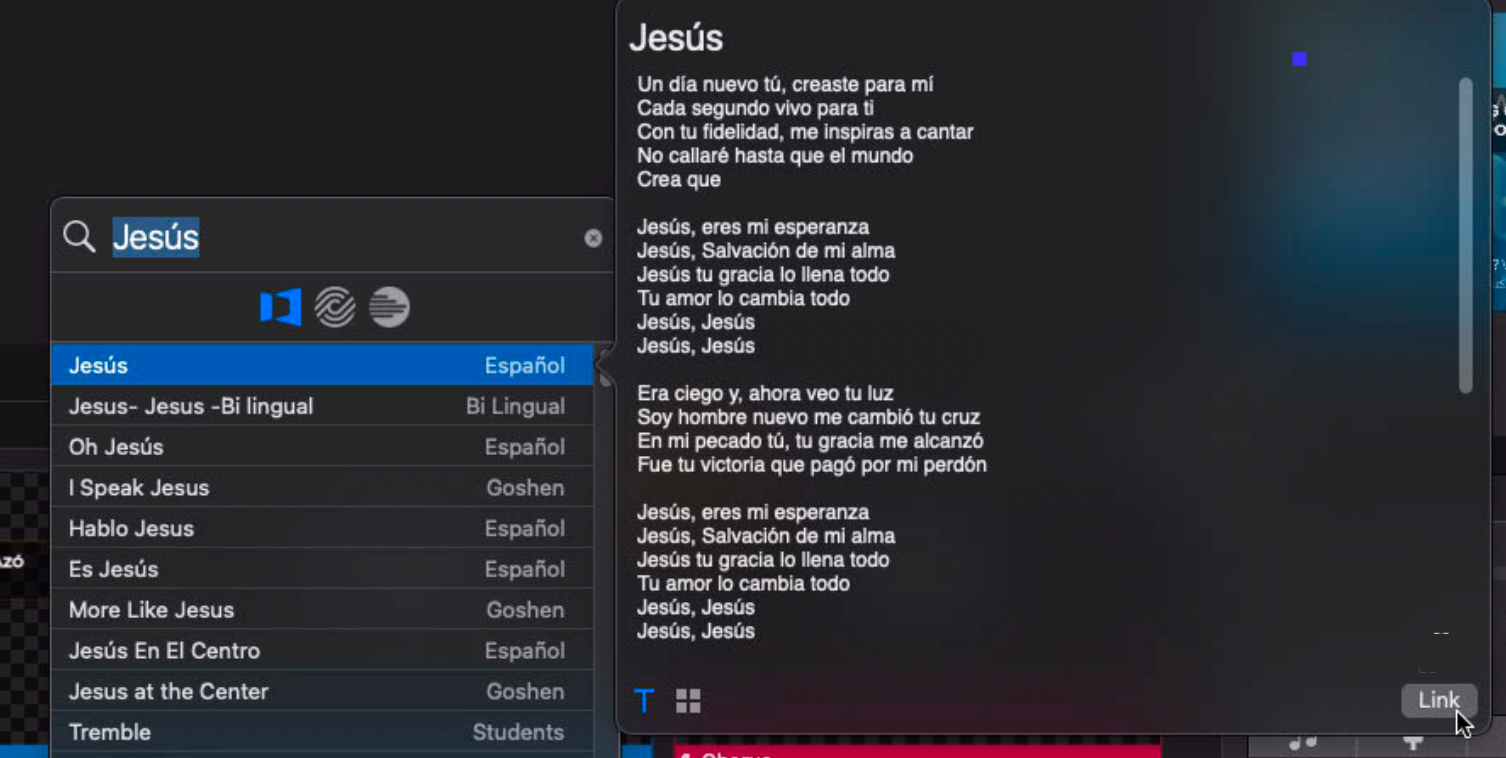
Linking will add it to the Playlist.
If you do not find a Presentation you are looking for, you can manually create one. You should first copy the lyrics you want to add (to make it faster), and then go on ProPresenter to File > Import > Text from Clipboard.
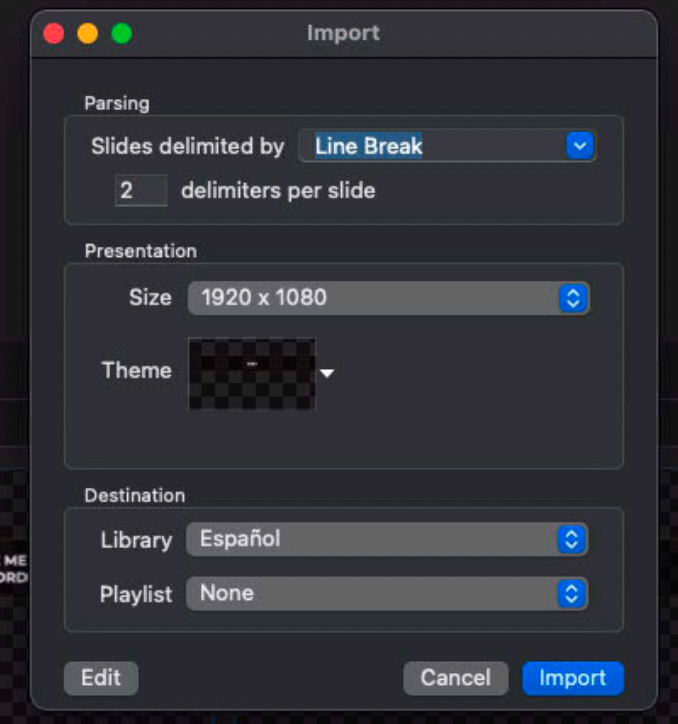
Use these settings, and make sure to add it to the correct library, and don’t select a playlist. Instead, go back to the beginning of the tutorial and continue with adding it through the search tool.