Hyperdeck Recording
River Oaks Church - Updated May 2025
The hyperdeck recorder located in the tech booth rack room is responsible for getting a high quality recording of Camera 6, the center stage facing camera for use during the sermon.
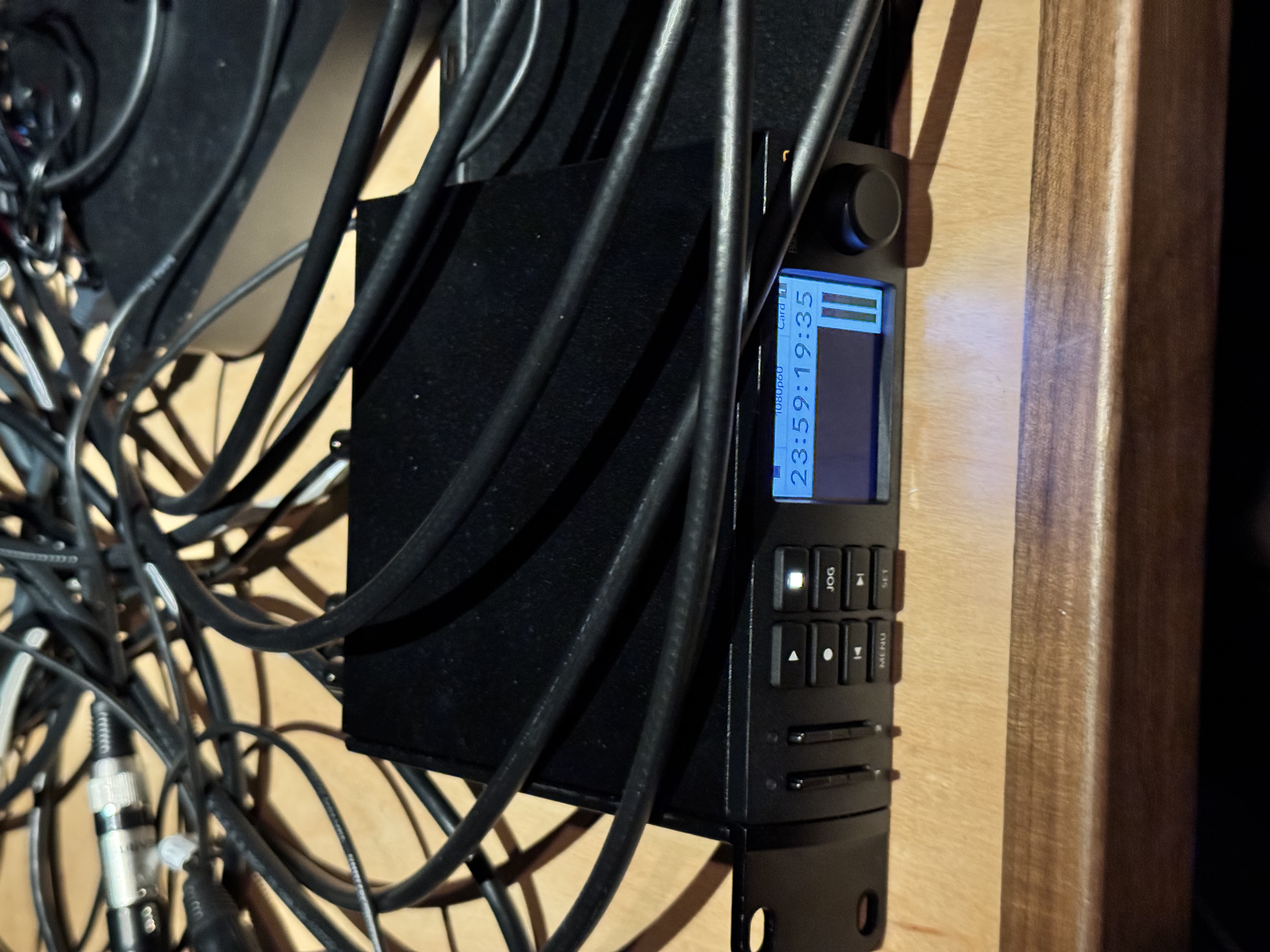
Clearing the SD cards
** This should not have to be done anymore as of May 2025, since the recording (and deleting of recordings) is automated, and ran from the "rocc01" server.
You can clear them by going to Menu > Recording > Format Cards > Card {1, 2} > Format > MacOS Journaled > Confirm
The recorder should automatically start recording during the message. But if it doesn't, you can manually start recording during the second service message by clicking the circle button.
Automation
The recorder is automated specifically off of the CL5 scene messgae. Q-SYS plays no role in this device at this time.
If the automation isn't working, make sure you:
- Have the
MSGcomment in your scene - Have checked to make sure the "instance" on the MDF companion server is enabled and operational
The recordings from this device are only required during the Spanish service and the 2nd English service.
Getting the recordings
The recordings are automatically uploaded to the "Central Production" team drive, under the "Israel's Camera" folder.