Lighting Power On
River Oaks Church - Updated April 2025
Before you continue, make sure the Jands Vista board is powered on. There is a power switch on the back of it, right behind the grand master knob.
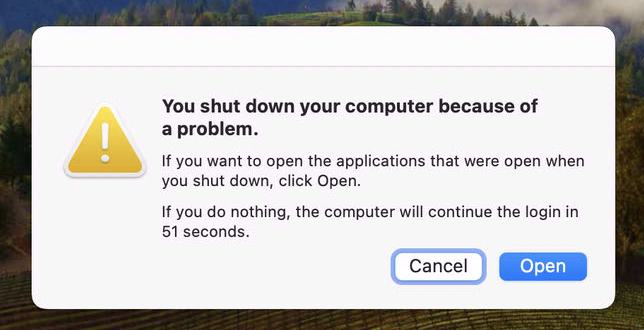
Do not do this
If you get this prompt, do not click open. The software will not open correctly.
Locating the Show File
Step 1 is finding the most recently used showfile. This will likely be in a folder on the Desktop, which should be in a folder with the current year.
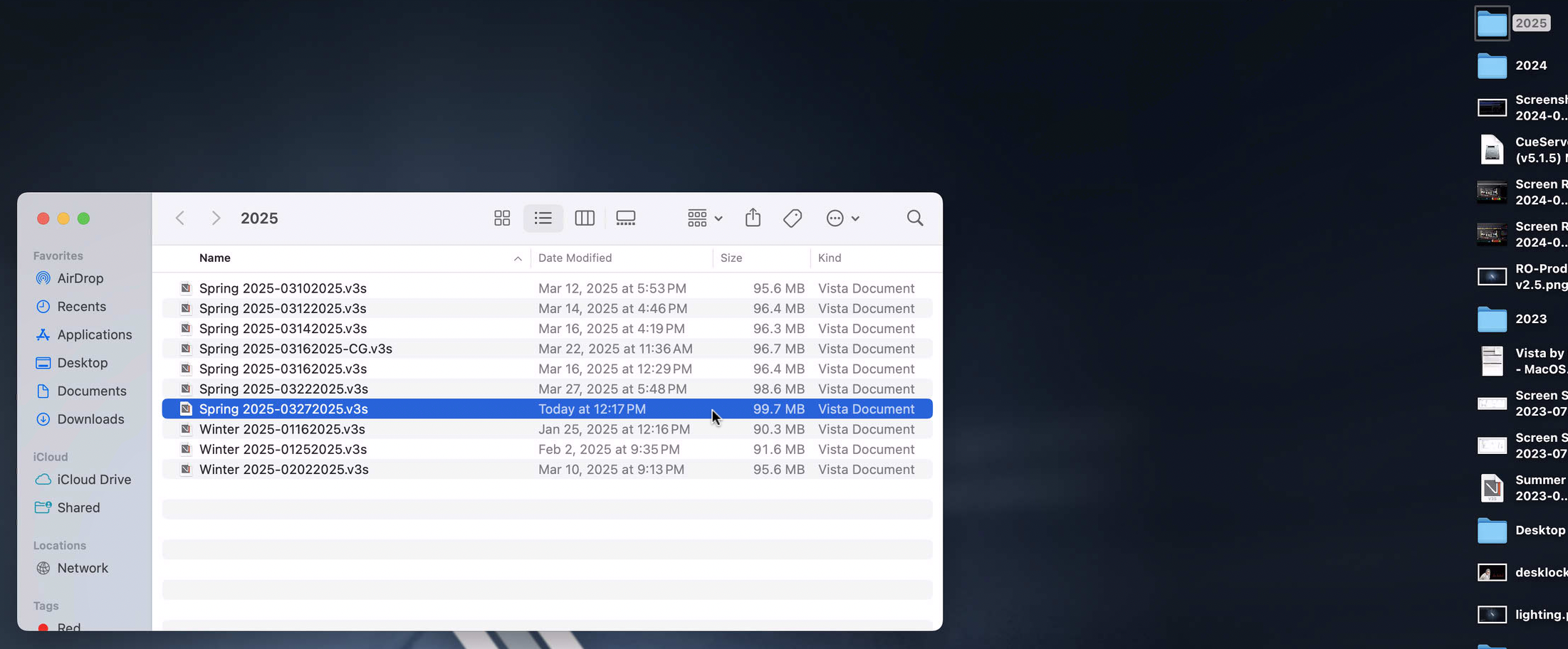
Open that show file by double clicking on it.
Crash
The software will likely crash since you just attempted to directly open the show file. (The purpose of directly opening the show file is so that it's gaurnteed to open the right show. If you don't do this before opening it the other way I am about to explain, it may not load the most recent showfile.)
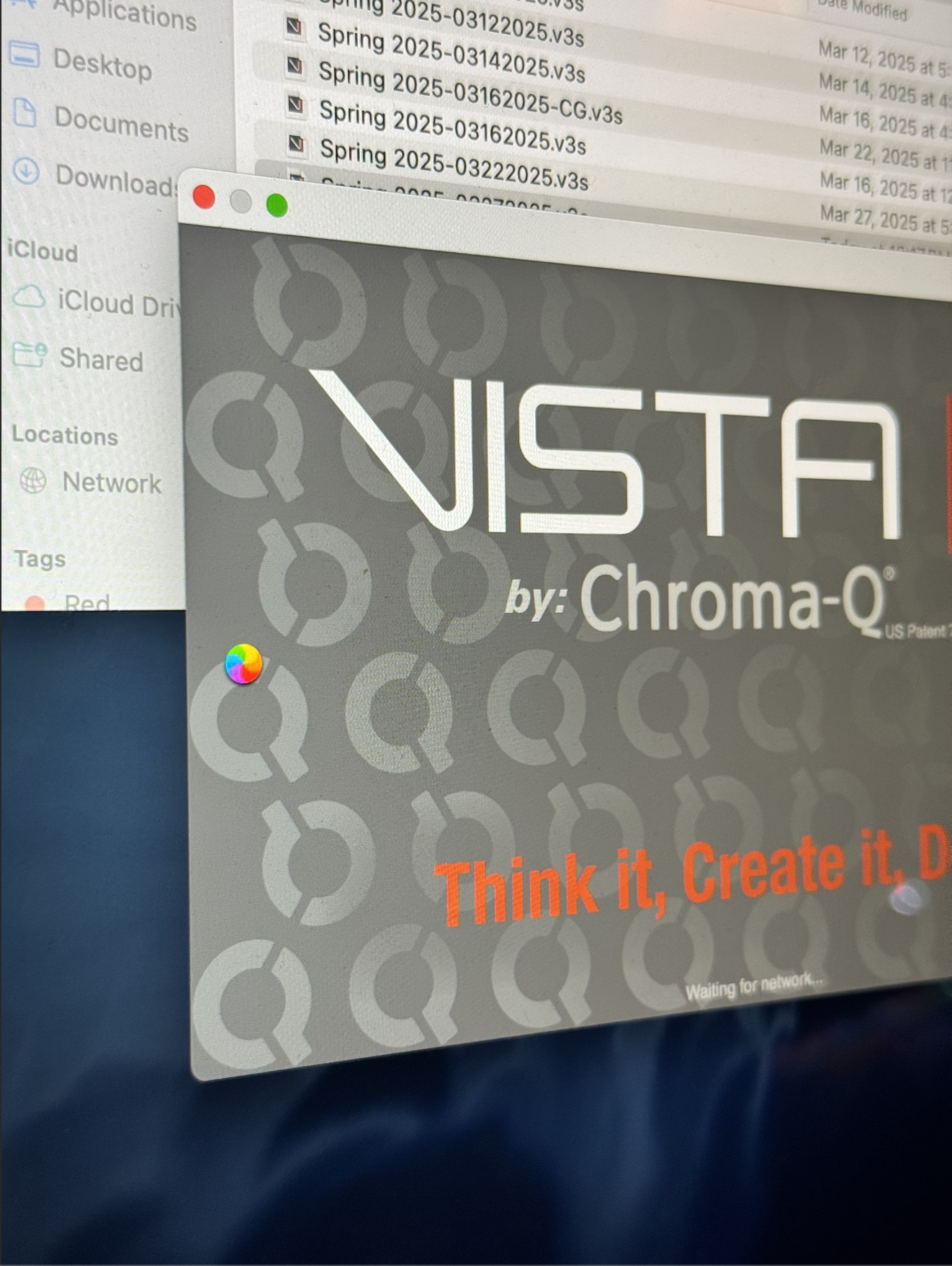
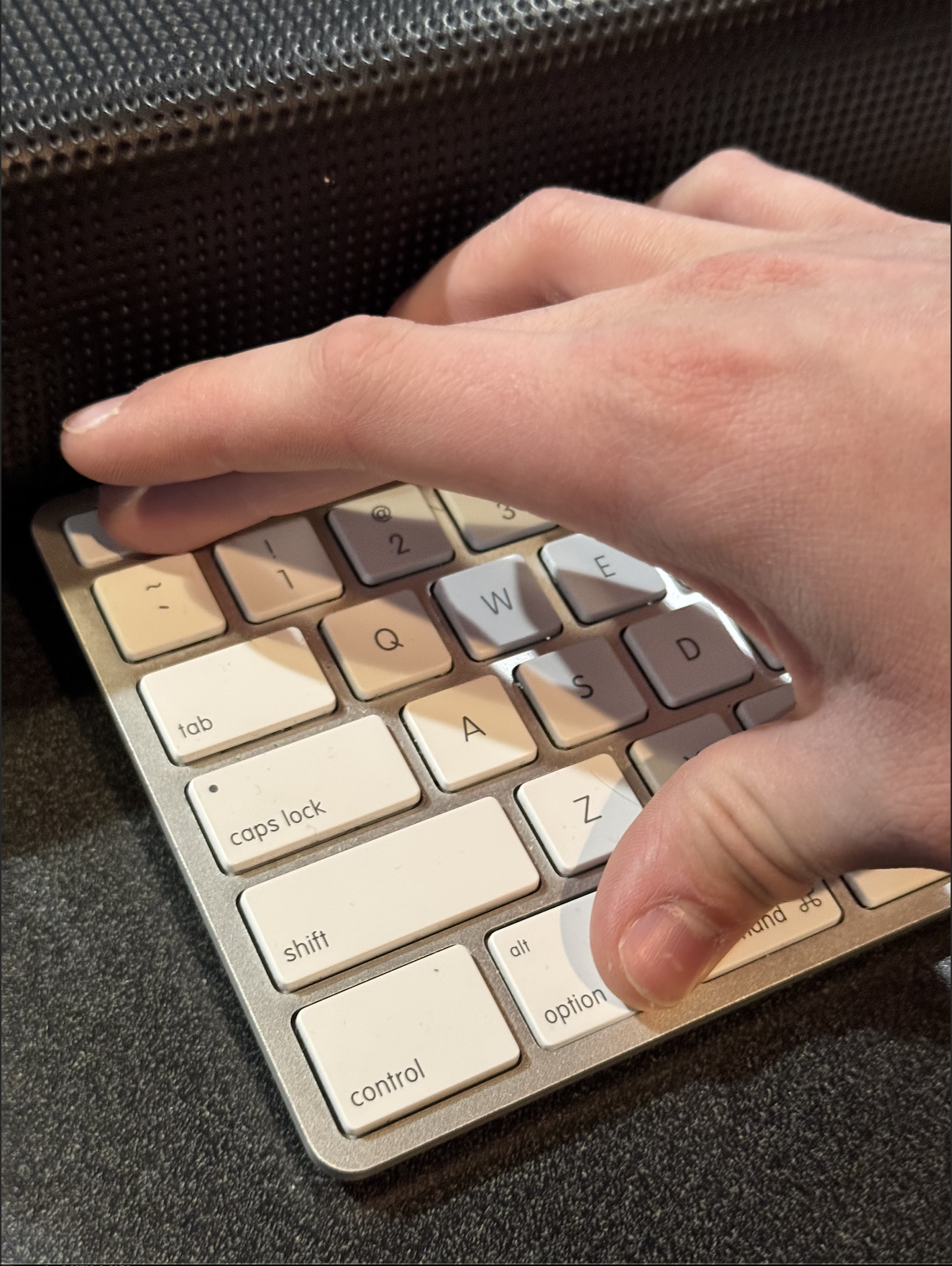
To fix this, on the keyboard, hit the keys COMMAND + OPTION + ESC.
Select Vista from the window that pops up, and then click Force Quit.
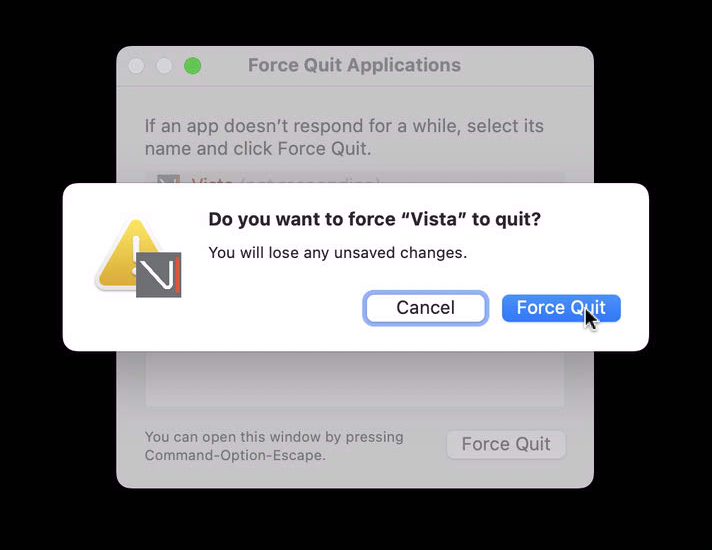
It will ask you to confirm that action.
Attempt 2
This time, instead of opening the show file, click on the Vista icon in the dock at the bottom of the screen.
It should open up, and ask you a question.
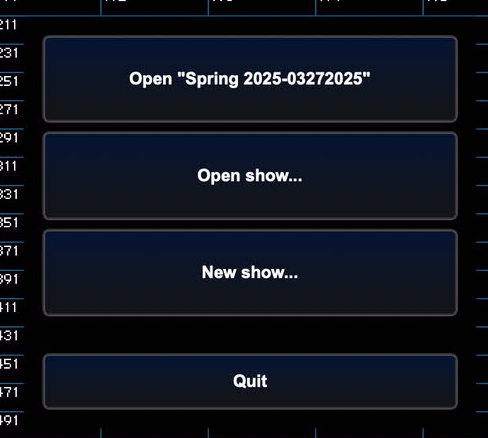
Make sure the name on the first box matches the most recent showfile. If it does, click on it so it opens that showfile.
That should get it booted up.