Lighting Operation Guide
River Oaks Church - Updated January 2025
To run lights on a Sunday, you first want to change the selected cuelist in the top of Vista by clicking the cuelist you want (It will be labeled Espanol with the date of the Sunday)
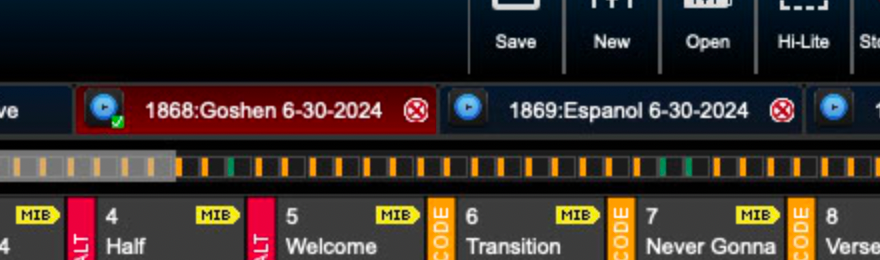
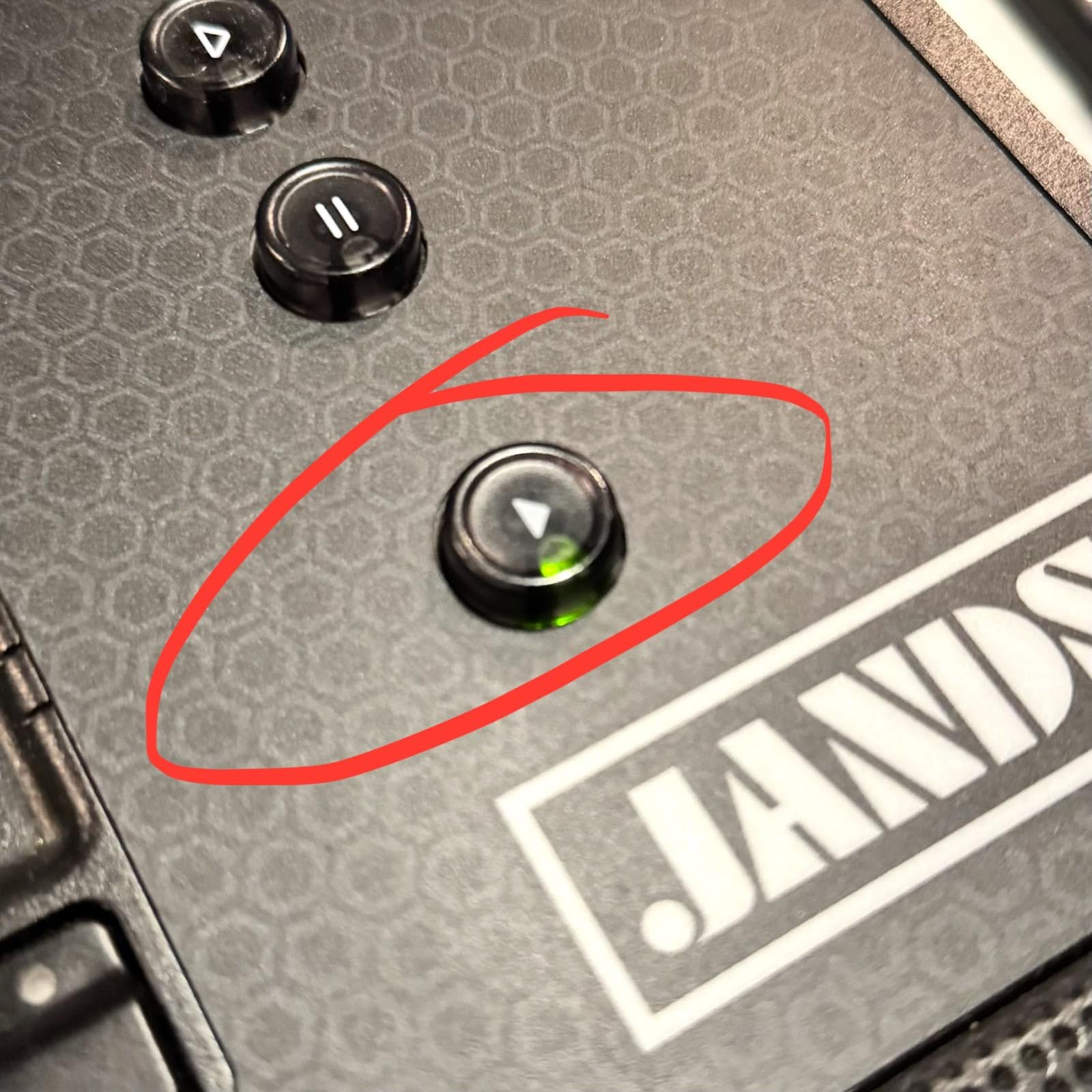
Load in the new cuelist by clicking the play button pictured below
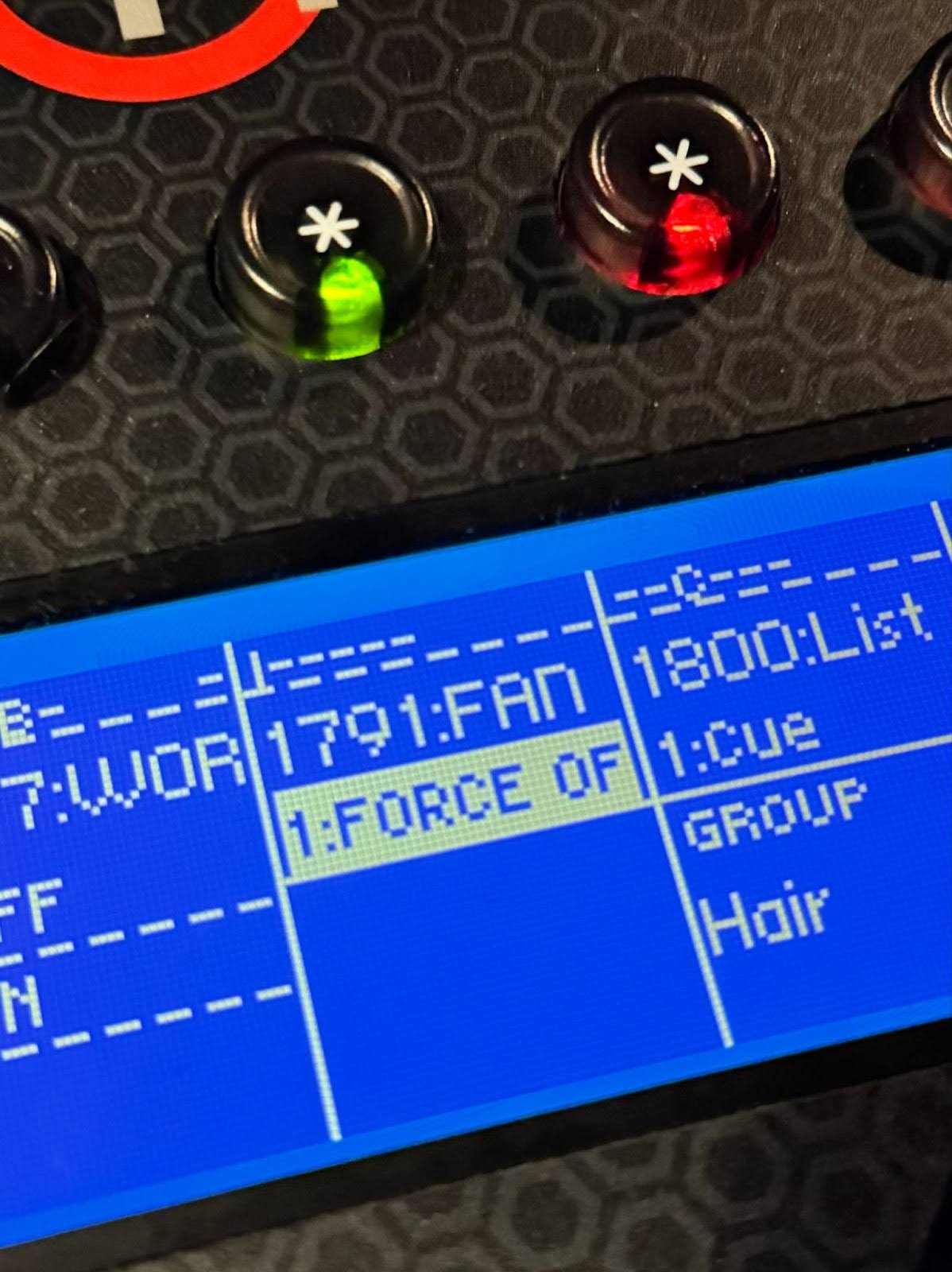
Another important step is to deactivate the fan override which forces the fans on stage to turn off. In the picture below, the override is on which forces the fans to turn off. Simply click on the button above it to turn off the override. After the Sunday services are over, make sure the override is turned back on.
On Vista, there are a few different types of cues. The Follow cues automatically run after a Halt cue that is manually fired. A Timecode cue automatically runs only if "TC Arm" is enabled.
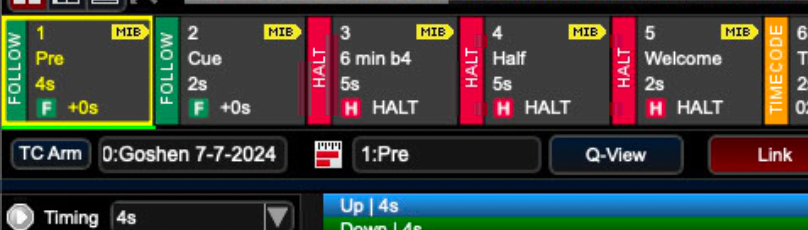
To advance onto the next Halt cue, select the next button in the very bottom right corner of the console. During worship, TC Arm needs to be enabled manually to enable the automatic advancement of cues.
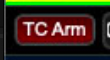
To turn TC arm on, simply locate it in the top left corner of the Vista screen and click once on it. TC arm is enabled if it looks like this.
If timecode fails, you can manually advance to timecode cues by hitting the next button.