Lighting Shutdown
River Oaks Church - Updated April 2025
Note: Only do this when something isn't working right. It can become quite a process to restart the console, so this is only recommended if absolutely necessary.
Saving
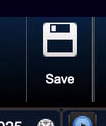
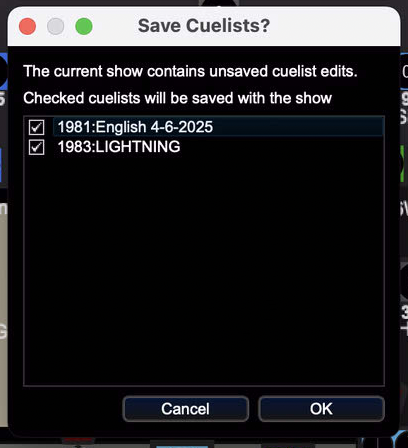
That being said, to start shutting down the console, first make sure everything is saved. You can do this by clicking the Save button in the top middle, and confirming that action.
Quitting
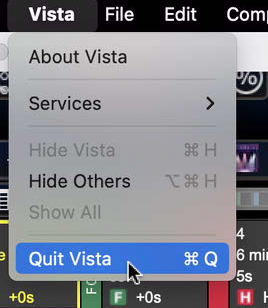
Next, you need to move your mouse to the top left corner of the screen, click on Vista, and then Quit Vista.
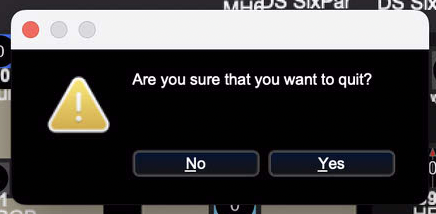
It will ask you to confirm that action.
Crashing
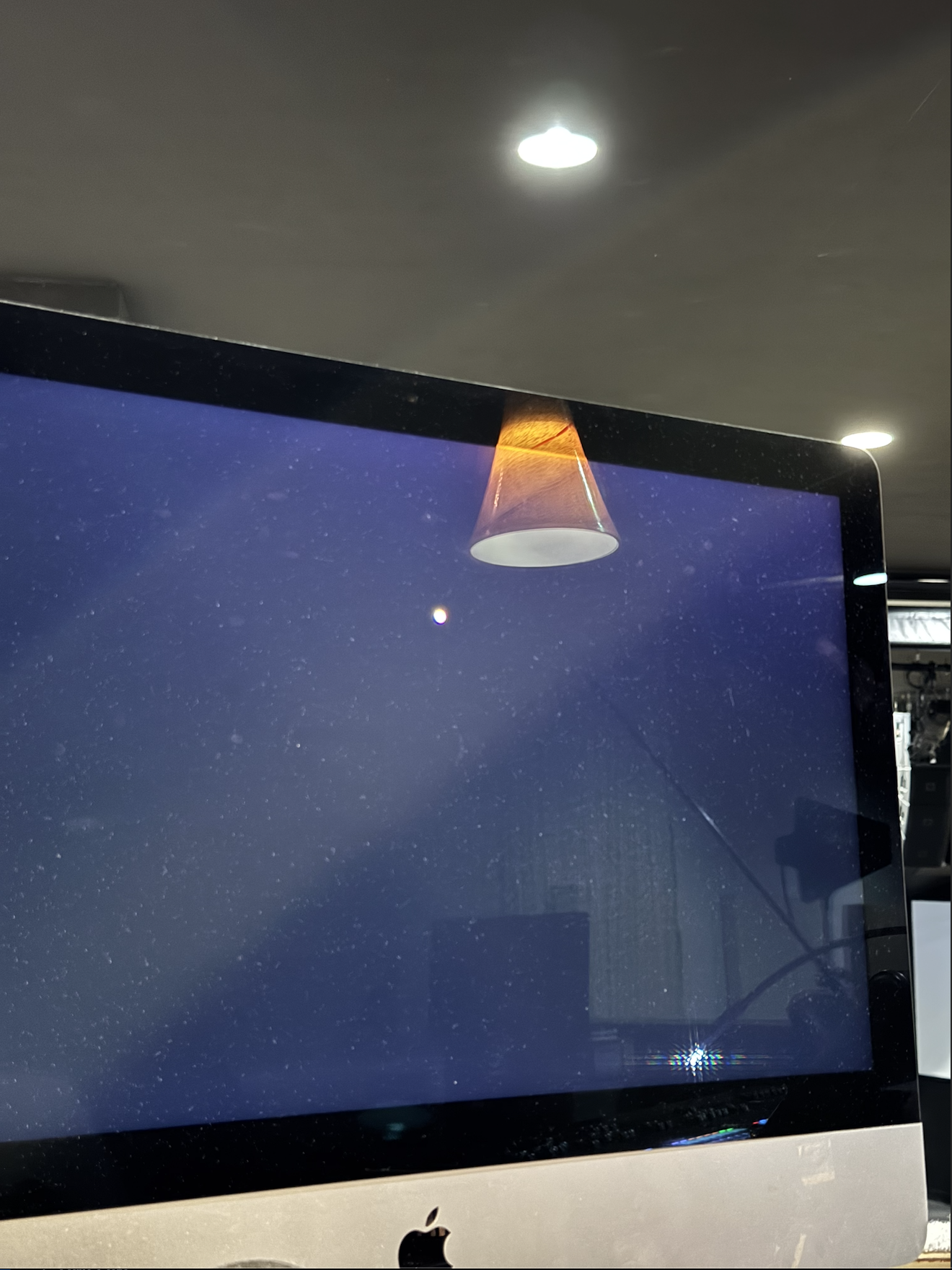
It's likely that it will crash at this point of the shut down procedure.
You will know it crashed when the beach ball spins on your mouse.
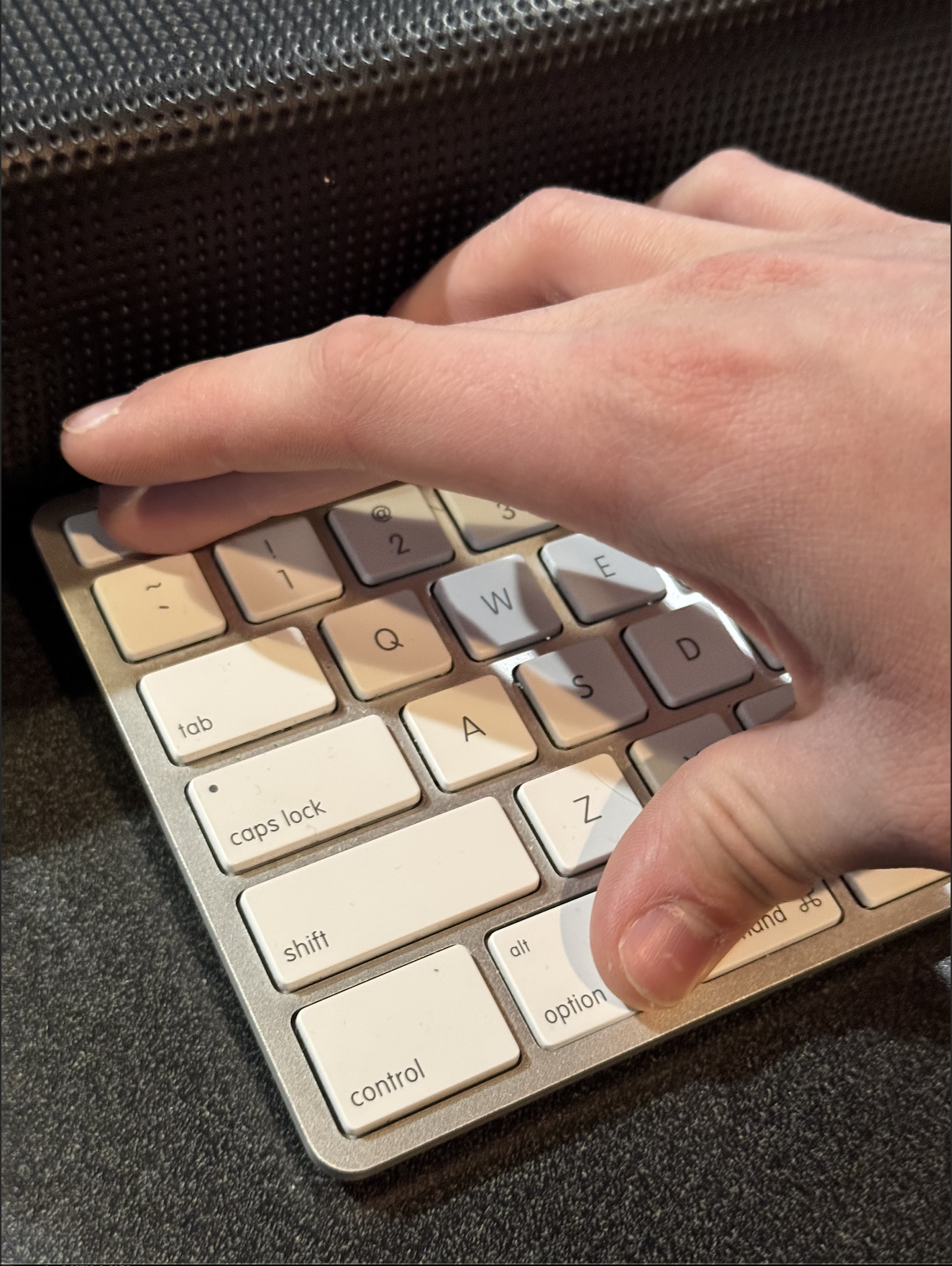
To fix this, on the keyboard, hit the keys COMMAND + OPTION + ESC.
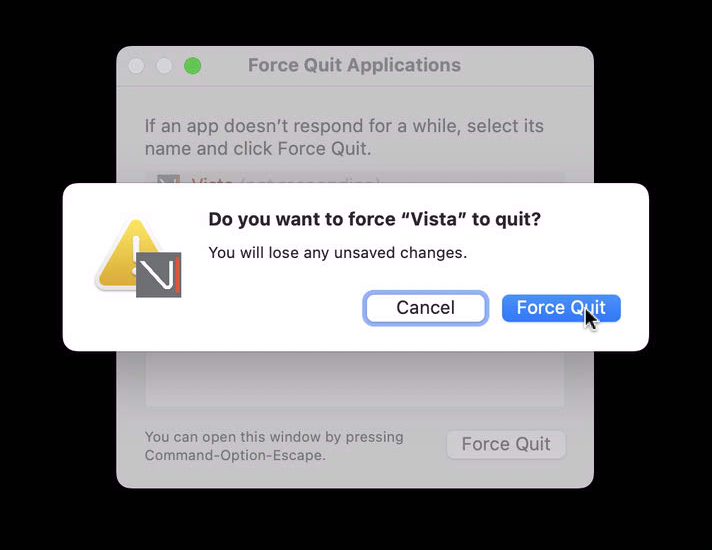
Select Vista from the window that pops up, and then click Force Quit.
Shut down
If the Mac needs to be rebooted, this is the point where you can do that. If not, and you are just shutting down the console for some reason, just put the Mac to sleep.
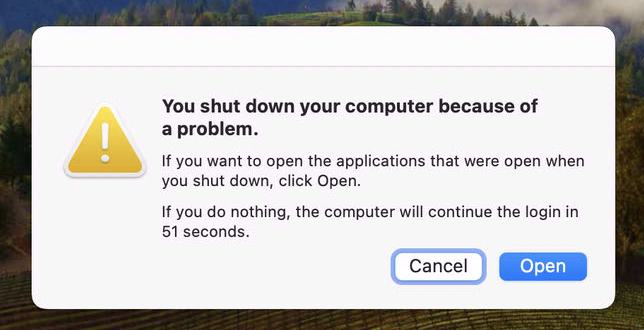
Do not do this
If you get this prompt, do not click open. The software will not open correctly.
Click the next arrow at the bottom of this page to read the power on instructions.